

This is a GUI-only resource pack, so you can freely use it with other resource packs, just place it on top of the resource pack you already use.
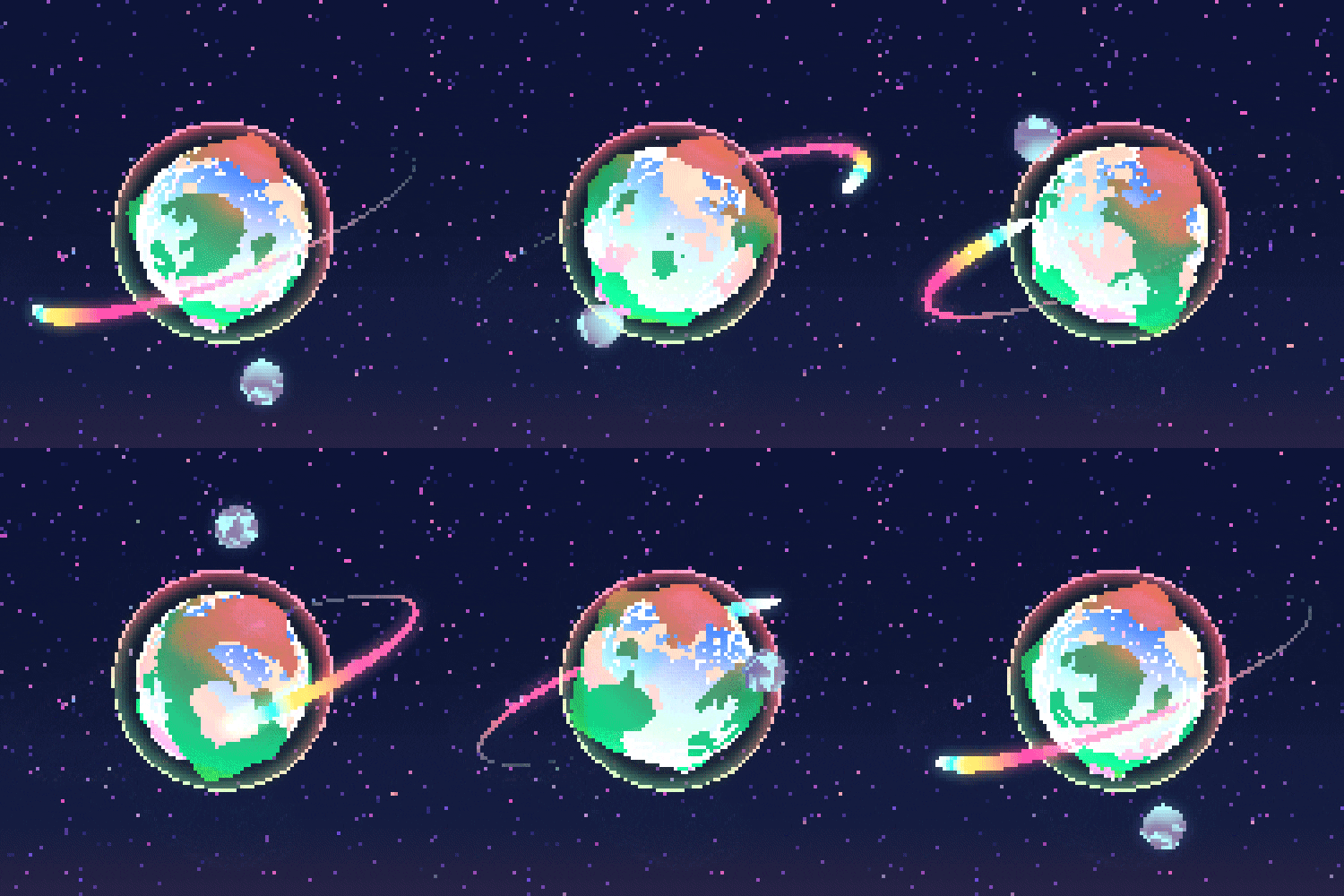
This pack is themed after "Call of the Night" and features a dark purple, pink, and light blue color palette. I've customized the hot bar and added unique images to each container to better match the series' aesthetic.
Like some of my newer packs, this one includes scaled containers, which required significant re-adjustments after resizing. This makes the pack visually distinct from my older releases.
If you'd like to see alternative color schemes in the future, such as white & red or any other combinations, feel free to suggest them, and I'll consider it.
If you find any bugs, please report them so I can fix them as soon as possible.
Dark purple, pink, and light blue palette capturing the nocturnal romance essence
Resized containers with custom adjustments for visual distinction and immersion
Layer it on top of other resource packs without conflicts or compatibility issues
Thank you for exploring my collection of anime-inspired Minecraft GUI texture packs! Here you'll find various ways to support my work and additional resources to enhance your Minecraft experience.
Click the "View Pack" button on any texture pack to go to its download page.
Open Minecraft, click "Options" → "Resource Packs" → "Open Pack Folder".
Move the downloaded .zip file into your resource packs folder.
In Minecraft, select the pack from the available resource packs and click "Done".
Yes! These GUI packs should work with most modded Minecraft versions, though some mod GUIs might not be affected.
Feel free to use these packs in your content. Credit to "Listar MC" is appreciated but not required.
Yes! Join my Discord server to suggest new anime themes for future GUI packs.
Have an anime you'd love to see as a Minecraft GUI? Join our Discord community to suggest new themes and vote on upcoming releases!
Join Discord to Request